

Skip ingestion code
Configure data collection on macOS instead of building and maintaining your own ingestion pipeline.
Configure a supported provider and DataCat turns OHLCV plus optional indicators into a self-describing SQLite dataset on your Mac. No ingestion code required.
Free plan available. Data provider access is separate.
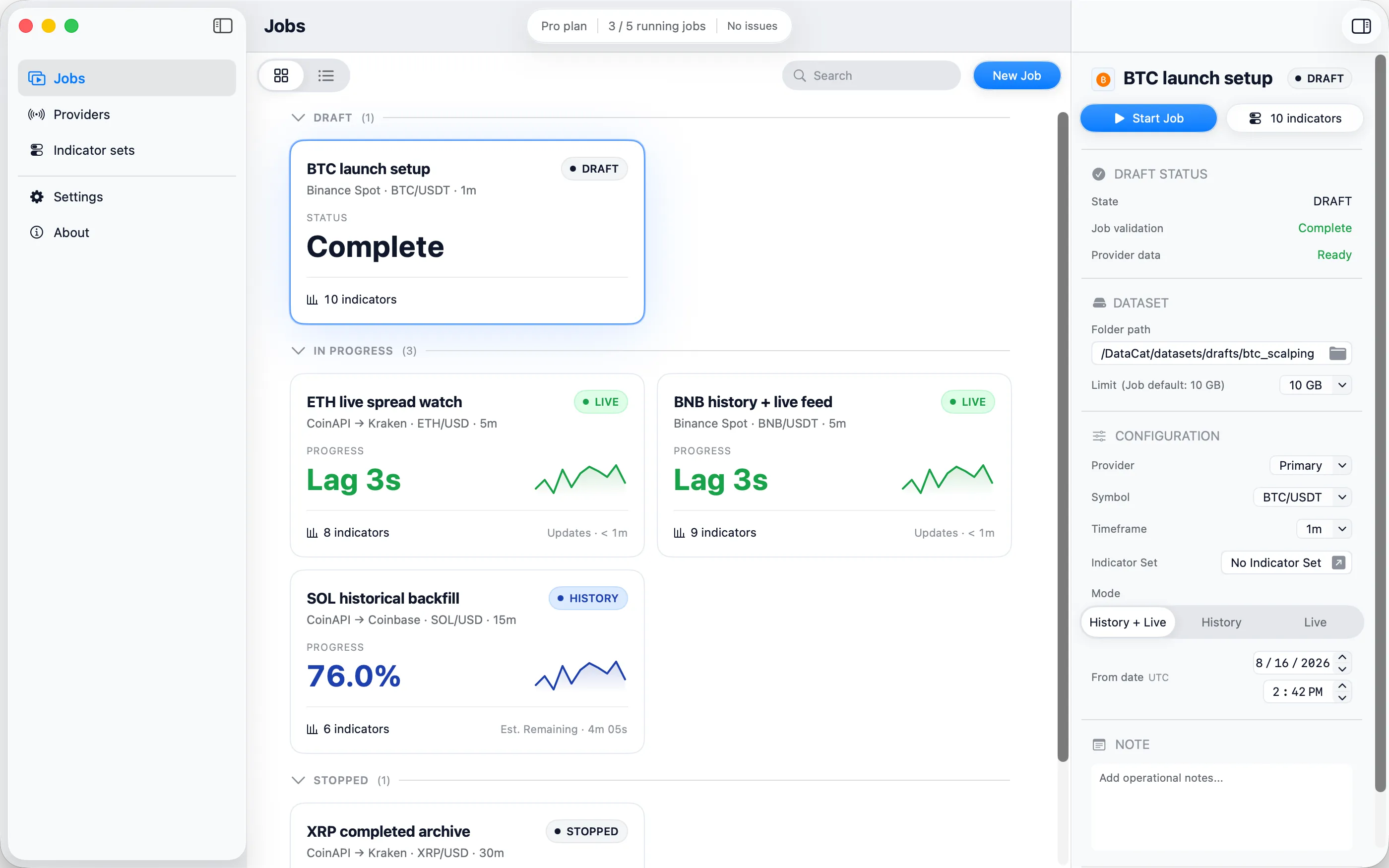
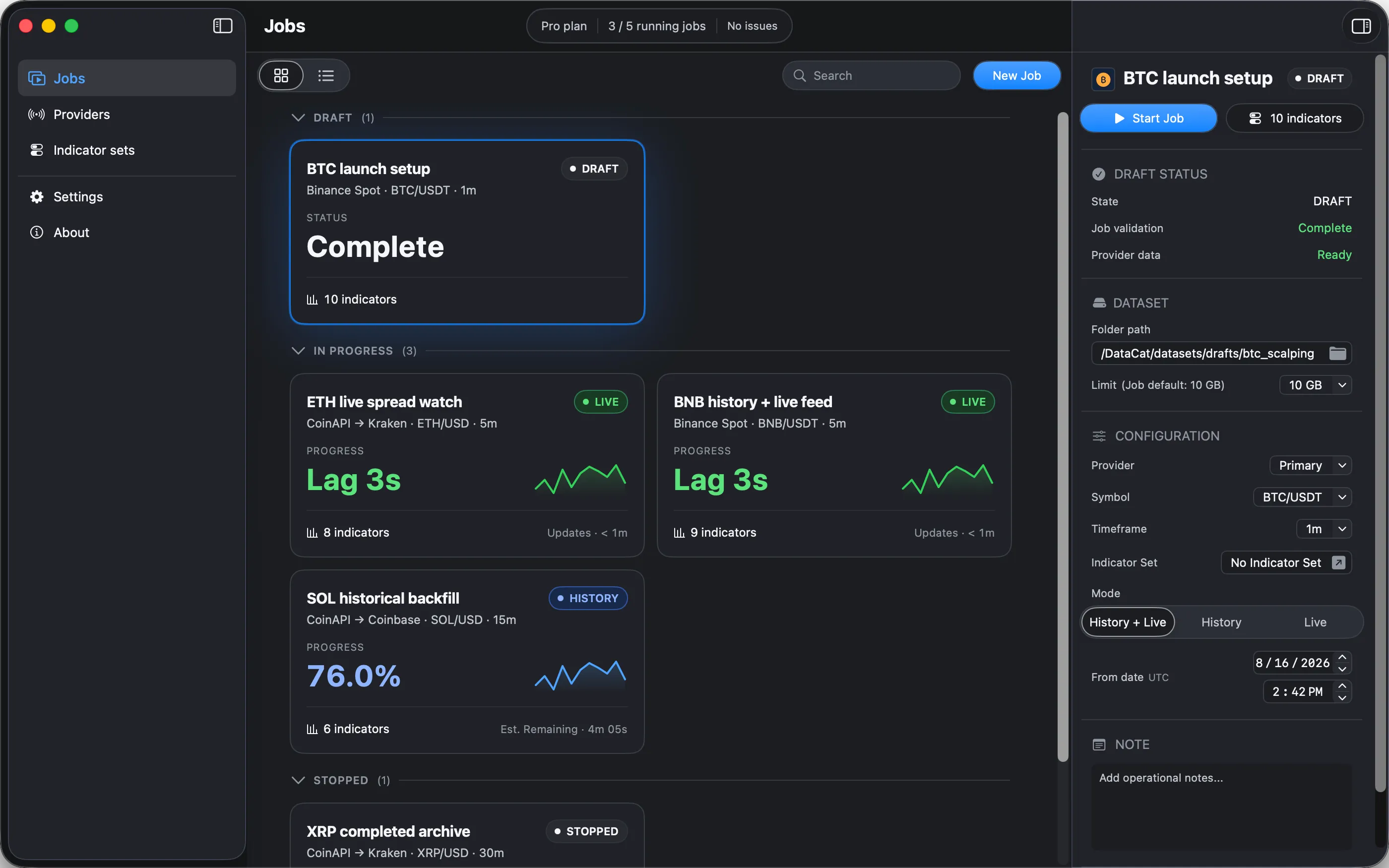
Configure data collection on macOS instead of building and maintaining your own ingestion pipeline.
Apply optional Indicator Sets to each Job and write their values alongside OHLCV in the same SQLite dataset.
Each Job stores a standard SQLite dataset in the folder you choose on your Mac, ready to query, move, and use with your preferred tools.
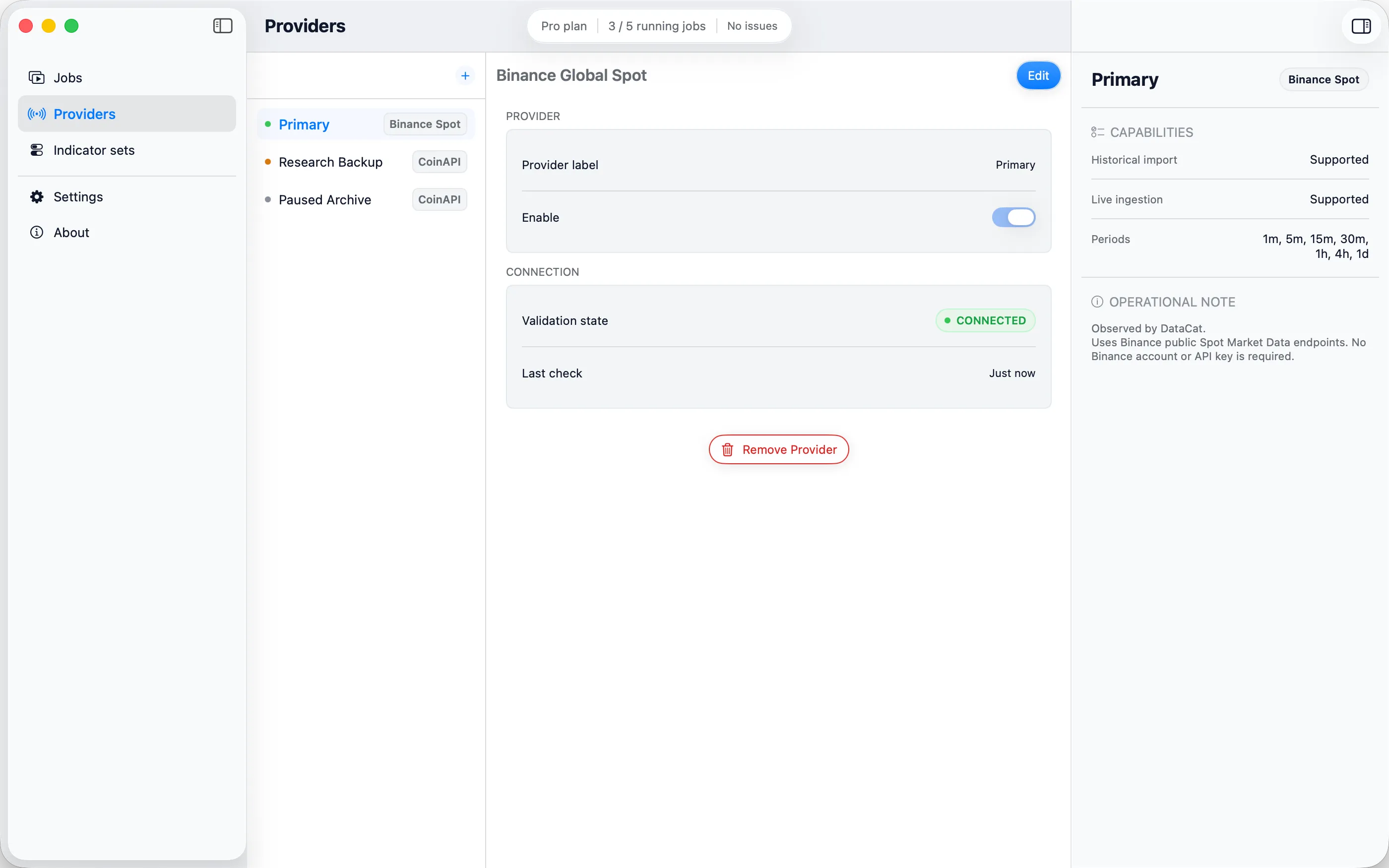
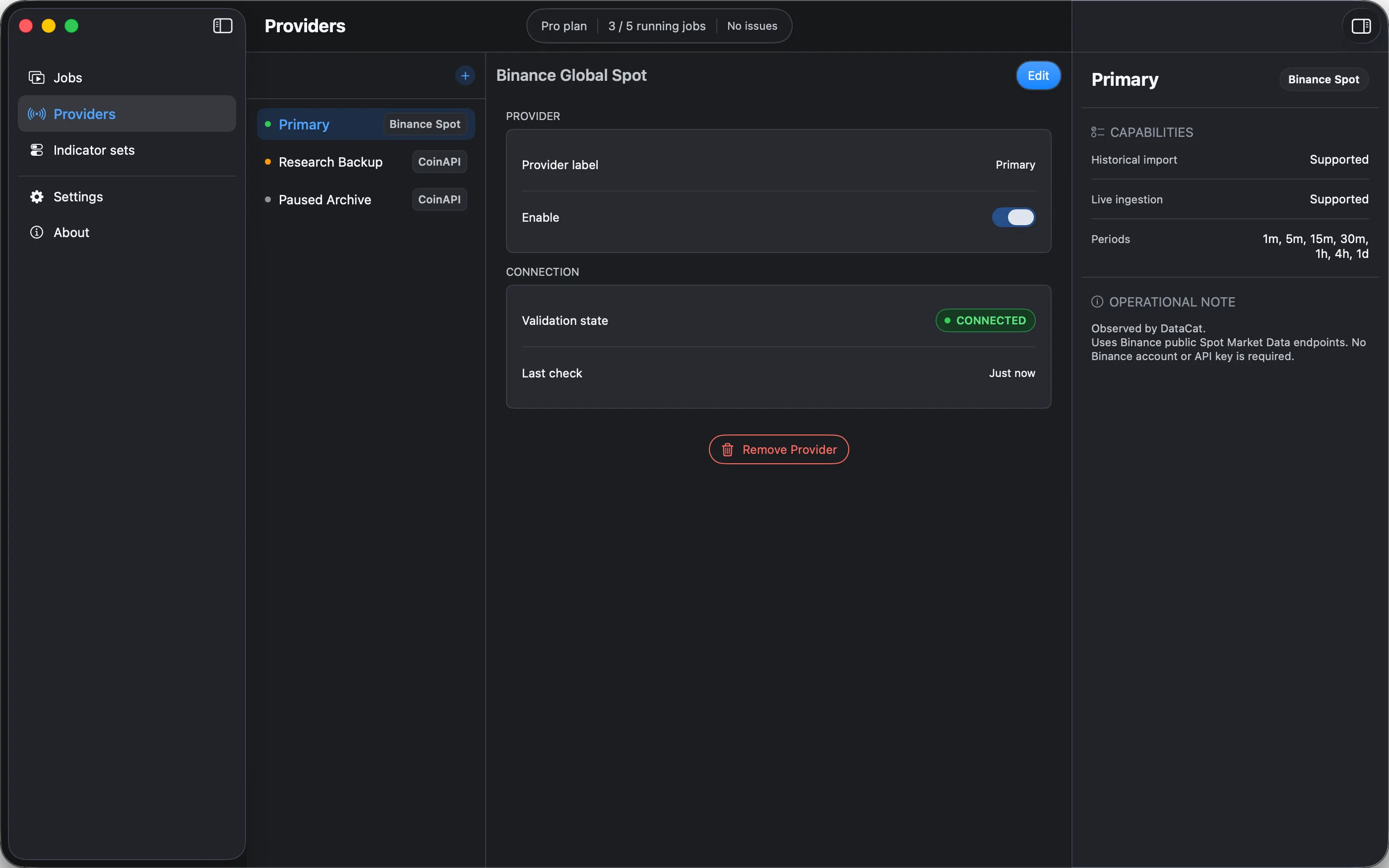
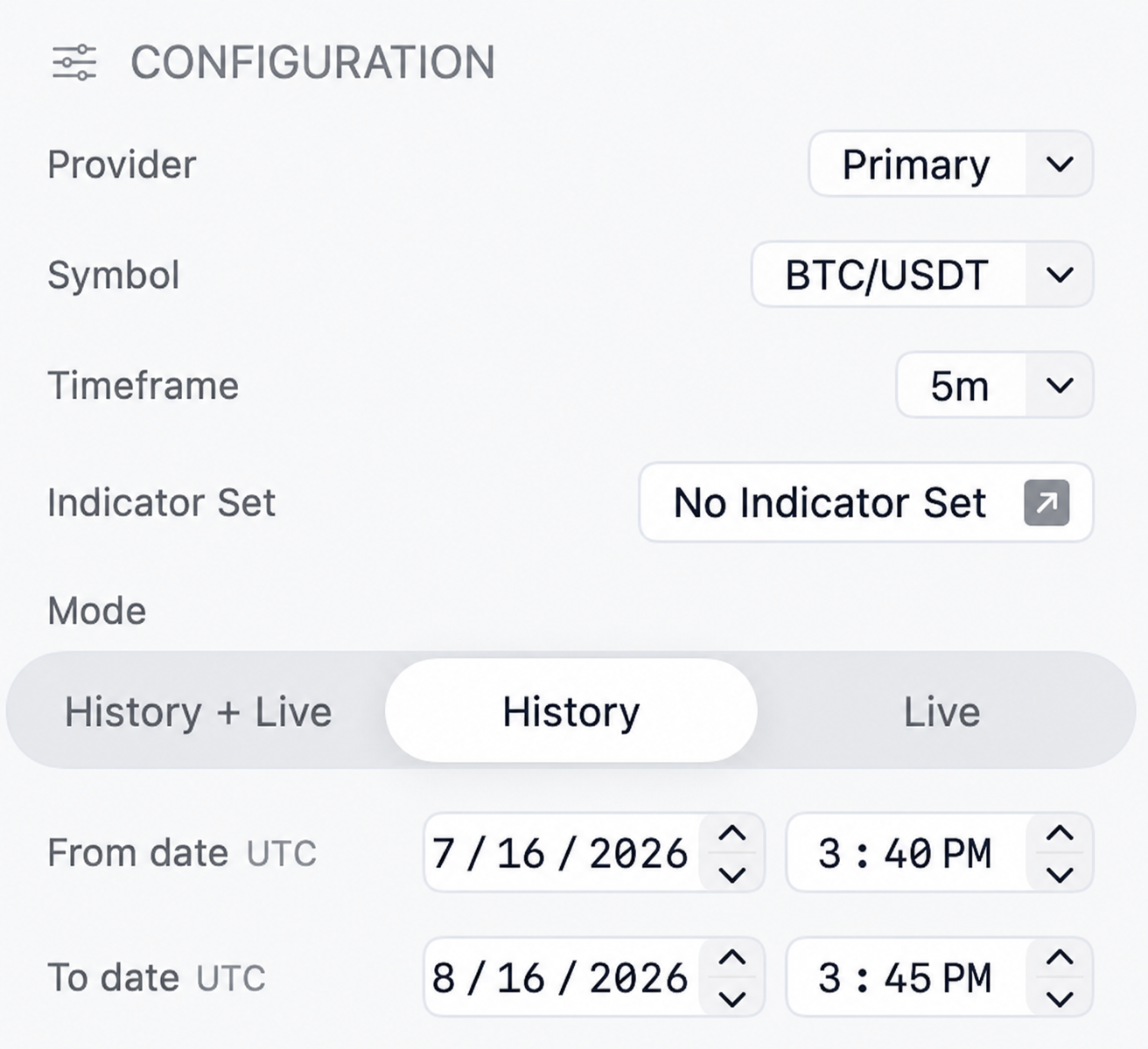
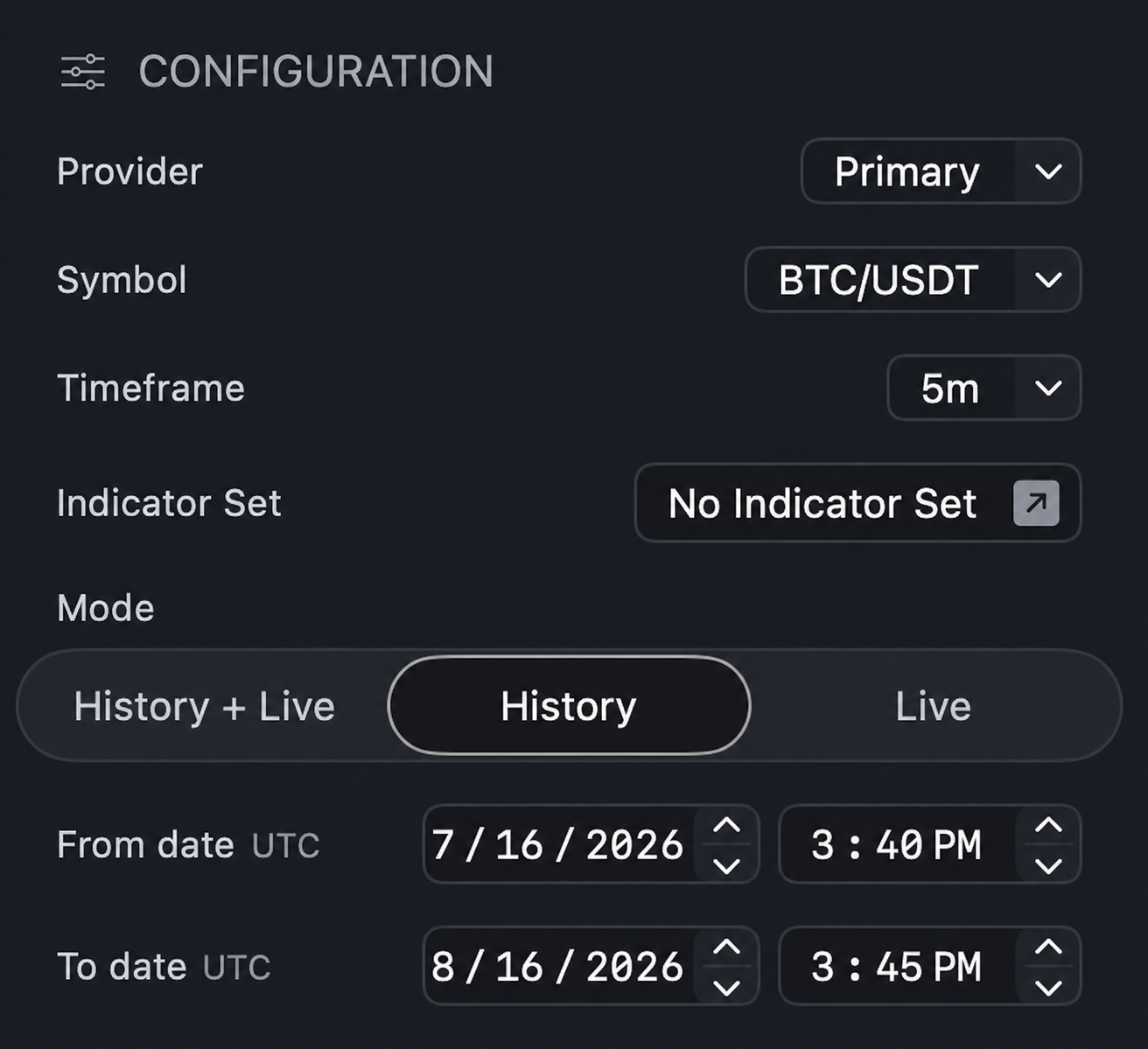
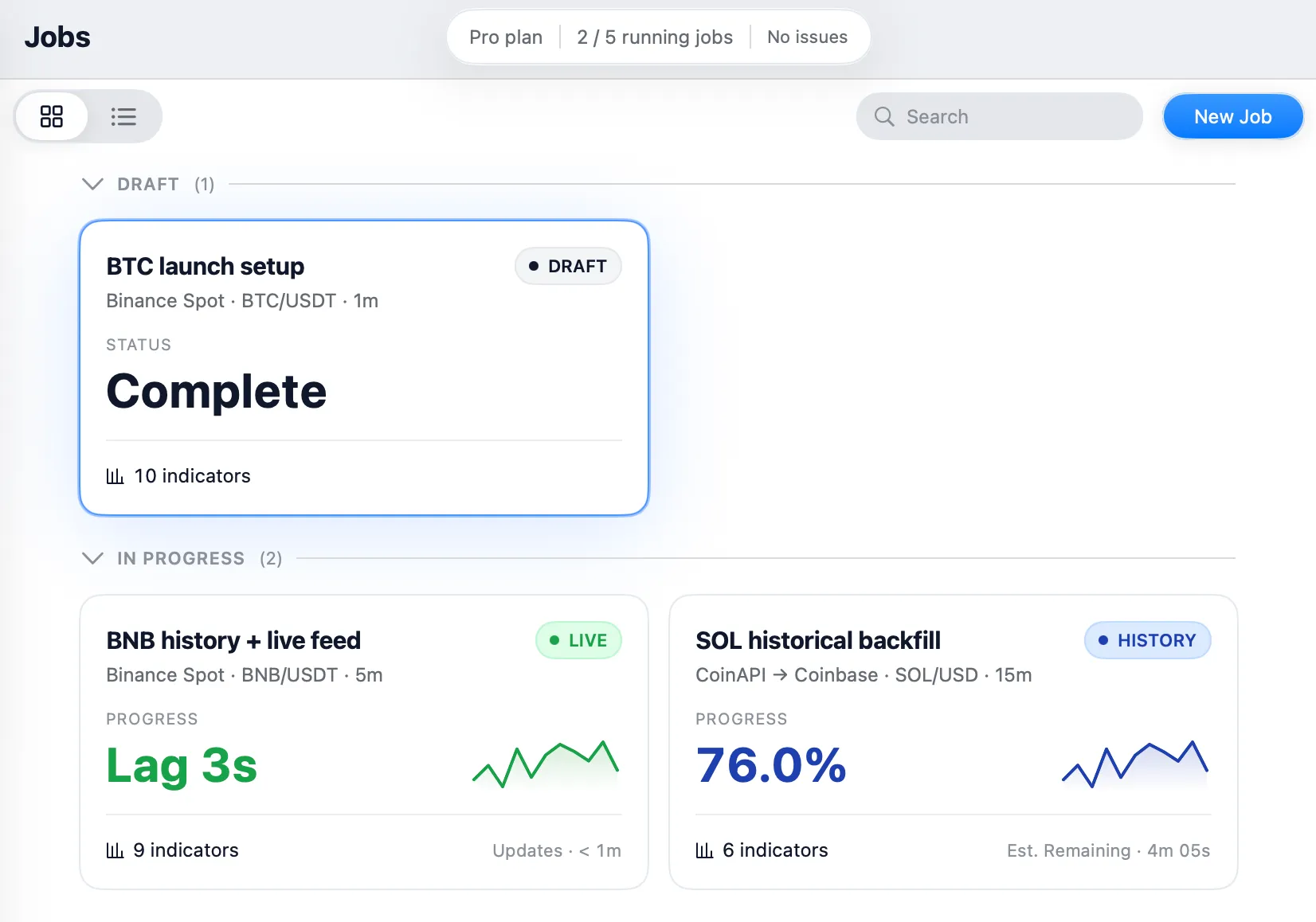
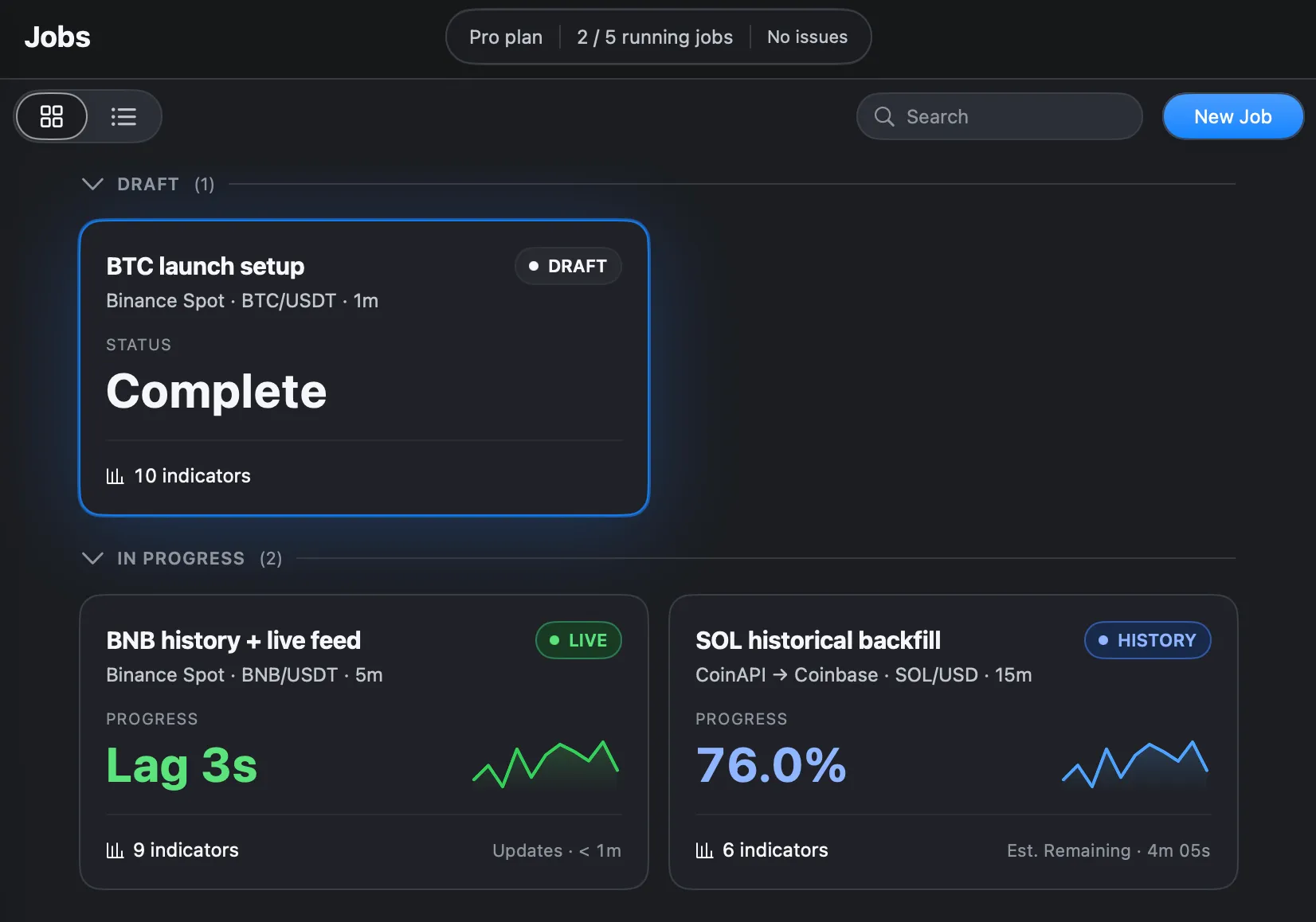
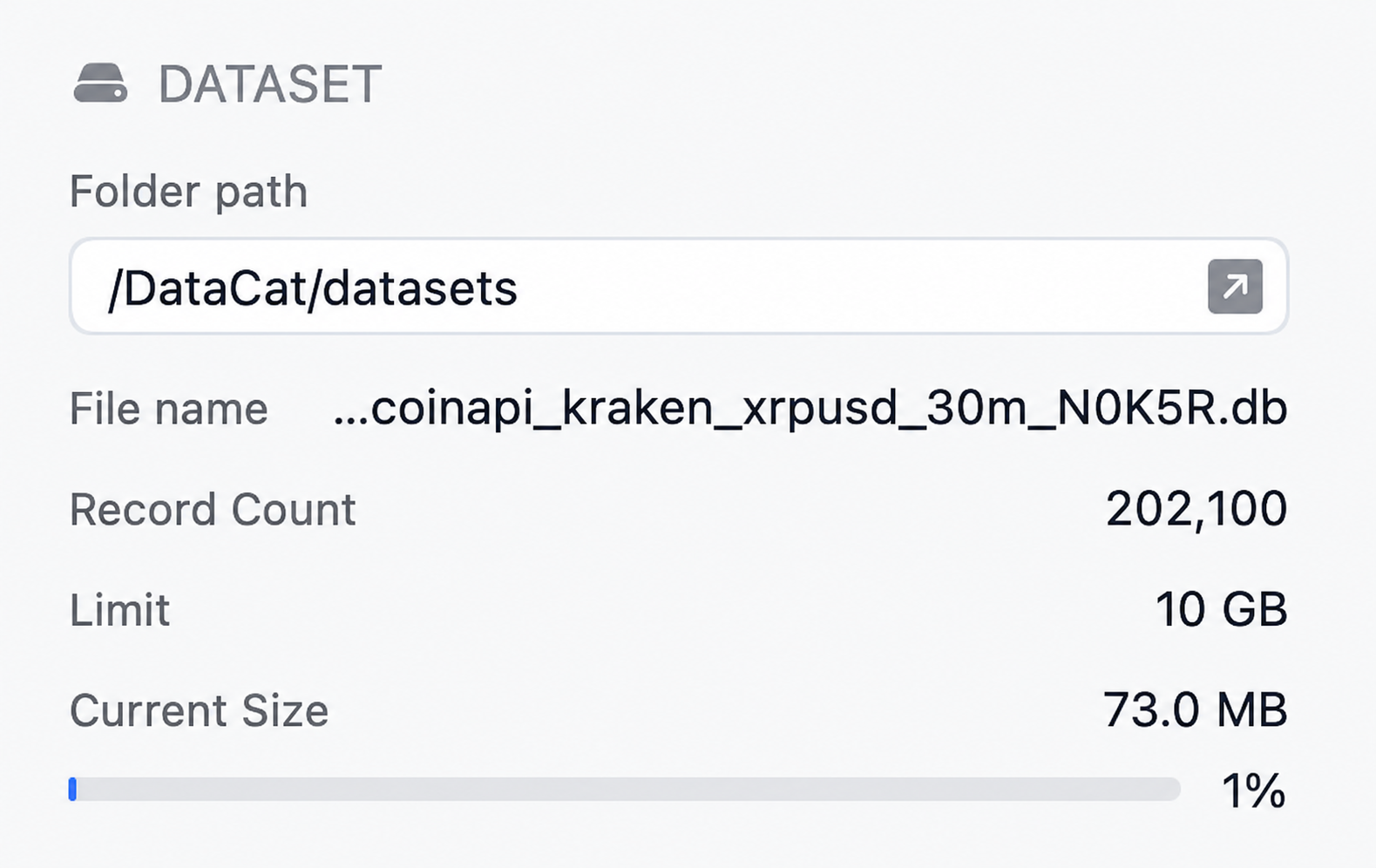
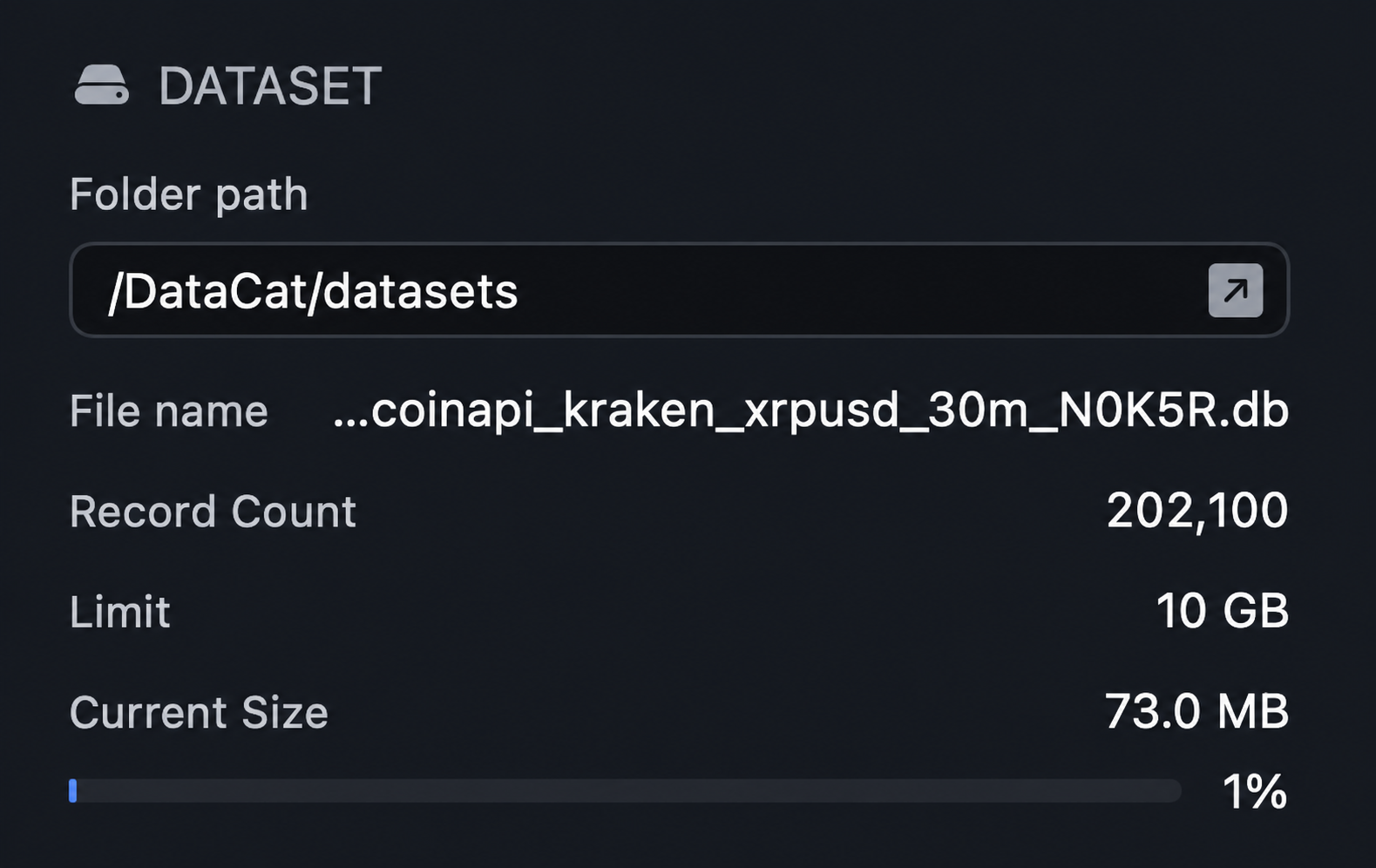
Each Job produces one inspectable SQLite file that keeps its OHLCV bars, indicator values, configuration, and provider provenance together.
Gap reasons, provider-data statuses, and indicator output states stay with the data, so you can inspect the result and use it outside DataCat.
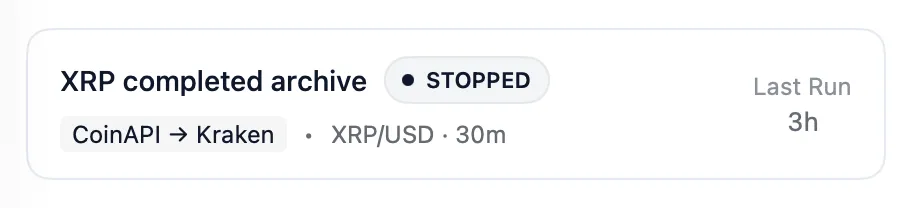
 XRP completed archiveSQLite dataset
Build a bounded dataset for the historical range you choose.
Add new completed bars as they become available.
Load history and keep the dataset current as new completed bars become available.
Provider availability and product constraints apply.
Choose the provider model that fits your access and research scope.
No Binance account required. Connect to Binance Global Spot public market data.
CoinAPI account required. Use your own account to access crypto OHLCV across multiple supported venues and symbols.
Provider terms, availability, and product constraints apply.
Build reusable Indicator Sets from 30 carefully validated indicators, including SMA, EMA, RSI, MACD, Bollinger Bands, ATR, and ADX. DataCat calculates them with the open-source TA-Lib engine and writes their values alongside OHLCV.
Indicators are analytical calculations, not predictions, trading signals, or investment advice.
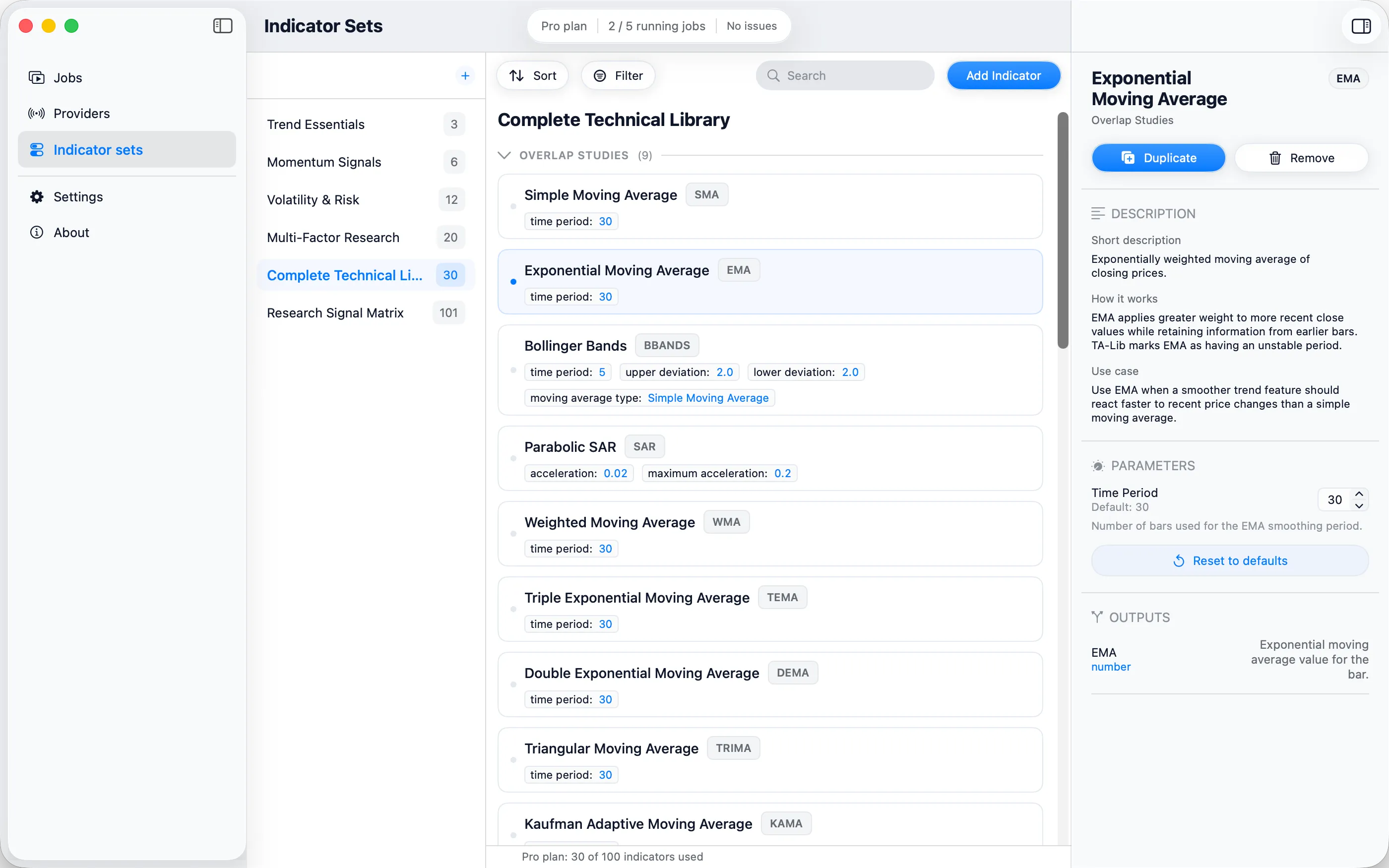
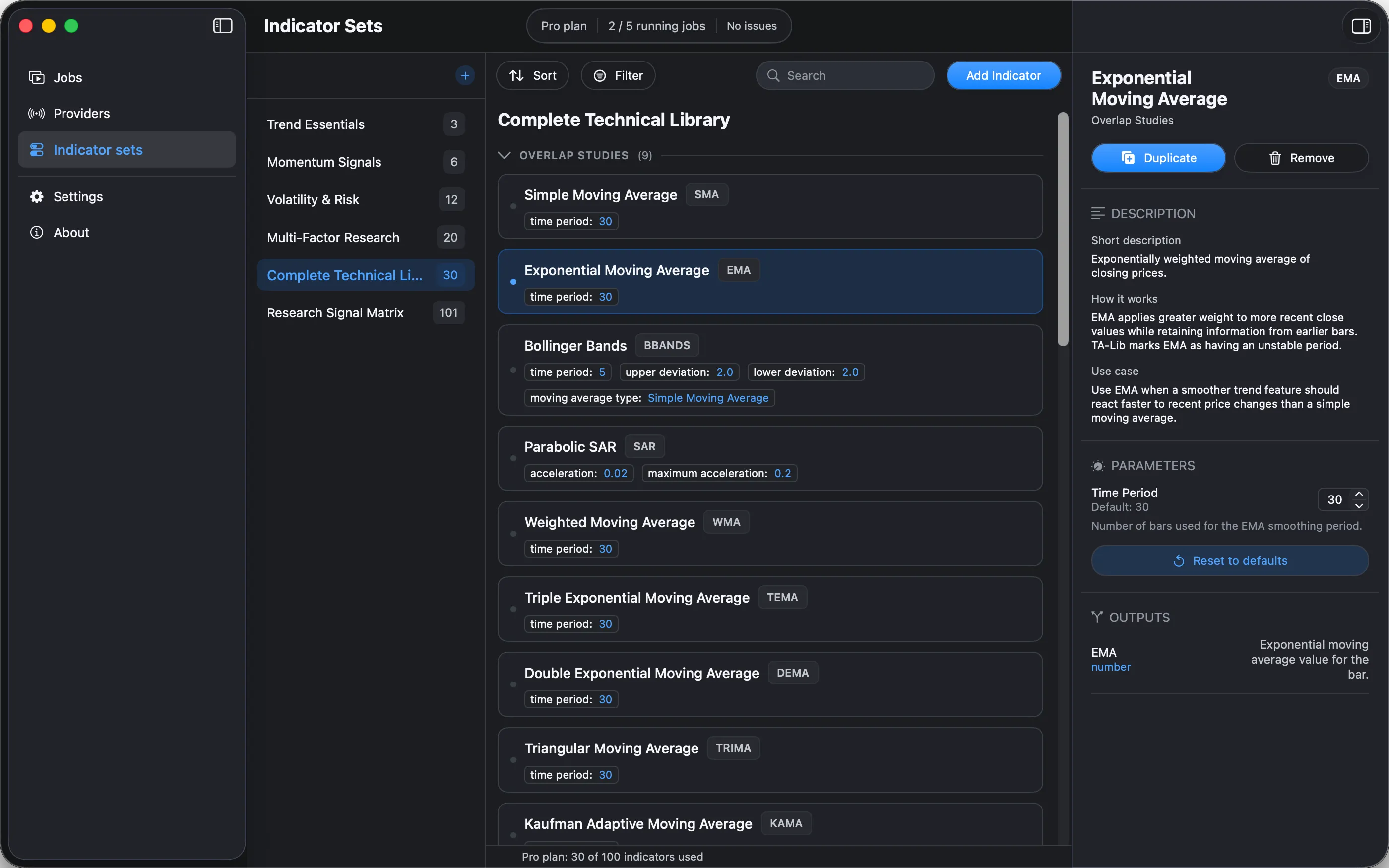
Each DataCat dataset is a standard SQLite database you own. Query it with SQL, open it in database browsers, use it from Python or R, and connect it to other SQLite-compatible analytics and research tools.
Free lets you run your first History workflow. Pro and Research add Live ingestion, all supported timeframes, longer history, and more running Jobs and indicators.
US pricing
| Includes | FreeFor trying the core workflow$0 | ProFor Live workflows and more capacity$9.99/month or $79.99/year | ResearchFor parallel, indicator-heavy research$19.99/month or $149.99/year |
|---|---|---|---|
| Job drafts | Unlimited | Unlimited | Unlimited |
| Running Jobs | 1 | Up to 5 | Up to 20 |
| Indicators per Job | Up to 10 | Up to 100 | Up to 3000 |
| Timeframes | 30m, 1h, and 1d | All supported | All supported |
| History | Up to 14 days | Unlimited* | Unlimited* |
| Live ingestion | No | Included | Included |
For trying the core workflow
$0For Live workflows and more capacity
$9.99/month or $79.99/yearFor parallel, indicator-heavy research
$19.99/month or $149.99/yearDownload DataCat to start on Free. Upgrades are available in the app.
*Limited by provider availability and product constraints. Data provider access is not included.
Documentation explains provider setup, Job modes, Indicator Sets, indicator behavior, dataset structure, gap and status semantics, SQLite fields, and troubleshooting.
Read DocumentationDownload DataCat, configure a supported provider, and turn crypto OHLCV into a self-describing SQLite dataset on your Mac.